
This post contains affiliate links. If you buy through them, DumbSwitches may earn a commission at no extra cost to you. See our full disclosure.
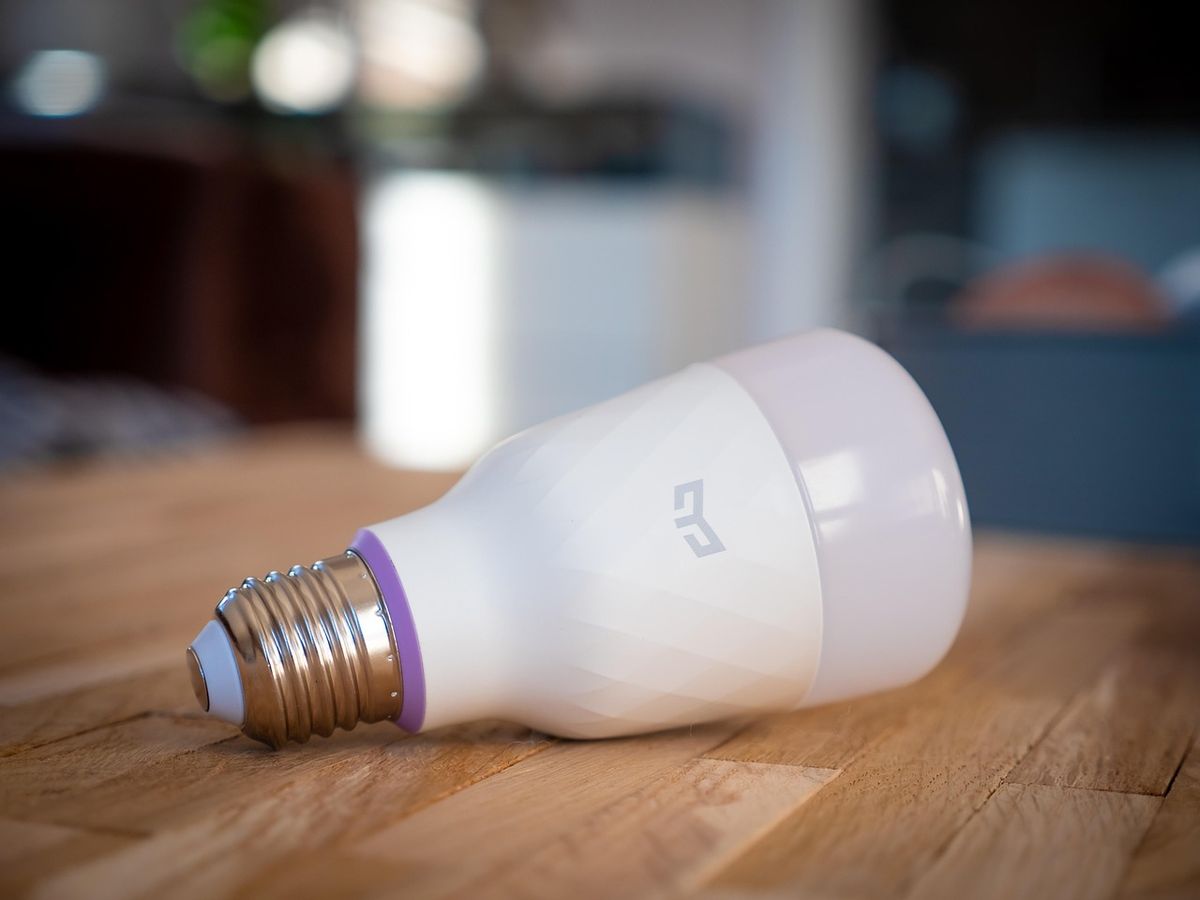
Every smart bulb roundup on the internet ranks bulbs by brightness, color count, and price. None of that matters if the bulb can’t join whatever app already runs your house. A premium Philips Hue bulb and a bargain-bin no-name Wi-Fi bulb both make light. The question that actually decides which one you should buy is whether it talks to your phone, your hub, and your voice assistant – not how many of 16 million colors it claims to hit.
So this guide sorts by protocol first: Zigbee behind a bridge, Wi-Fi straight to your router, or Matter over Thread with no hub at all. Brand comes second. If you want the deep dive on Apple-only shortlists specifically, see our best HomeKit dimmable bulbs roundup – this page is the broader version for anyone not locked into one ecosystem, and for the full device list beyond bulbs, our HomeKit compatible devices list covers plugs, switches, locks, and cameras too.
The short version
- Zigbee via a bridge (Philips Hue) is still the most reliable path for anyone running more than a couple of bulbs. The bridge is one more box on your network, but it’s the difference between a mesh that heals itself and a pile of Wi-Fi devices fighting your router for a DHCP lease.
- Matter over Thread (Nanoleaf, Aqara) is the newest option and the closest thing to hubless-but-still-reliable, provided you already own a Thread border router – a HomePod mini, HomePod 2nd gen, or an Apple TV 4K with Ethernet counts. (The Wi-Fi-only Apple TV 4K doesn’t include Thread.)
- Wi-Fi direct (LIFX, Meross, most Govee) needs no hub at all, connects straight to your router, and is the easiest to set up. It’s also the first thing to clog a router’s device table if you buy a dozen of them.
- HomeKit-native and Matter-native are not the same claim. A bulb can be one, both, or neither. Check the box, not the marketing copy.
For the full protocol breakdown – what Zigbee, Z-Wave, Wi-Fi, Thread, and Matter each actually are and where they overlap – see our smart home automation protocols guide and Z-Wave vs Zigbee vs Wi-Fi comparison. And if “Matter” itself is still a fuzzy word, our Matter explainer covers what the certification actually guarantees – more on that nuance further down.
Smart bulb comparison table
| Pick | Protocol | Hub needed? | Works with | Price |
|---|---|---|---|---|
| Philips Hue White & Color A19 | Zigbee (Bridge) or Bluetooth solo | Optional – recommended | HomeKit, Alexa, Google, Matter via Bridge | Check current listing |
| Nanoleaf Essentials A19 Matter | Thread (Matter native) | No proprietary hub, but needs a Thread border router | HomeKit, Alexa, Google, SmartThings | Check current listing |
| Aqara LED Bulb T2 | Thread or Zigbee | No for Thread (needs a Thread border router); Aqara hub for Zigbee extras | HomeKit, Alexa, Google (Matter) | Check current listing |
| LIFX Everyday A19 | Wi-Fi | No | Alexa, Google, works-without-HomeKit; Matter rolling out | Check current listing |
| Meross MSL120 | Wi-Fi | No | HomeKit-native (legacy), Alexa, Google – no Matter on this model | Check current listing |
| Govee Matter-badged bulbs (A19/A21/BR30) | Wi-Fi (Matter, hardware-gated) | No | Apple Home, Google, Alexa on Matter SKUs only | Check current listing |
One thing that table can’t capture: Matter support on Govee and Kasa is hardware-gated, not a firmware toggle. A bulb bought two years ago won’t suddenly grow a Matter chip. If a listing doesn’t say “Works with Matter” on the box, assume it can’t.
The picks
1. Philips Hue White and Color Ambiance A19 – the one that just works
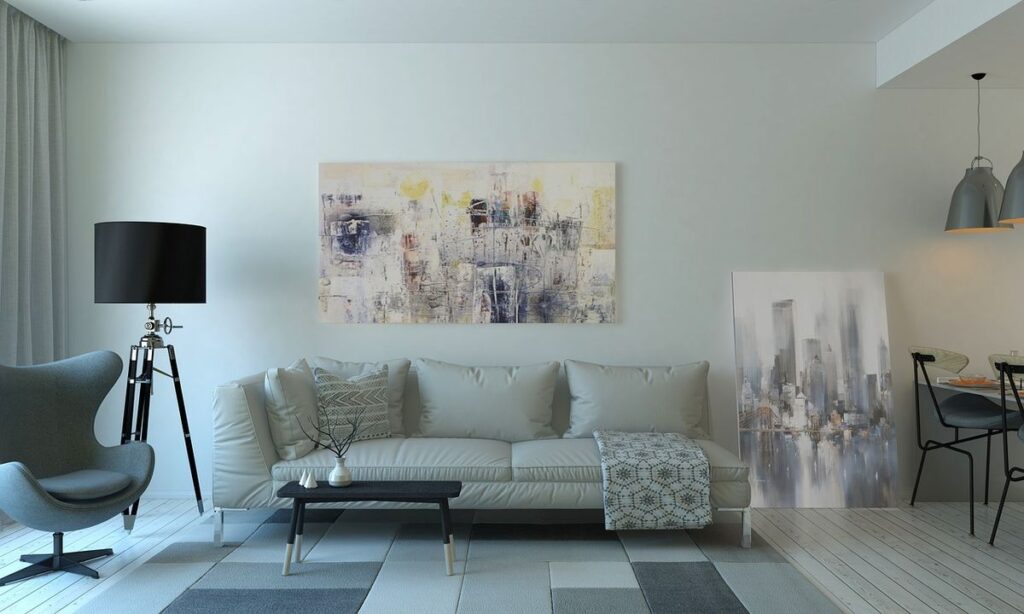
Hue is the default answer for a reason. The Hue White and Color Ambiance A19 runs over Bluetooth alone for a single room, or joins the Zigbee mesh through a Hue Bridge for the full feature set – automations, remote access, and native Apple HomeKit support alongside Alexa and Google Home. Hue is the only major smart bulb brand that has never had a serious HomeKit support scare, which matters more than it sounds once you’ve lived through a brand quietly dropping a platform.
If you don’t need color, the White Ambiance A19 runs about half the price and covers the tunable-white range most rooms actually use day to day – our breakdown of what each Hue tier actually does is worth reading before you pay the color premium on every bulb in the house. Once you’re in the Bridge ecosystem, pairing new bulbs is a QR-code scan, and if your setup includes a TV, Hue Sync no longer requires the standalone sync box on supported LG and Samsung sets. For anyone who wants a portable accent light, not a screw-in bulb, the Hue Go 2 runs the same ecosystem with a built-in battery – see also how long that battery actually lasts per preset, since Philips’ 24-hour claim only applies at the dimmest setting.
The honest catch: cost. Five rooms of Hue color bulbs runs more than a new iPad. And if you ever want to get precise about exact colors for a specific scene, Hue’s XY color values are more particular than they look at first glance.
2. Nanoleaf Essentials A19 Matter – the value pick with no hub tax
The Nanoleaf Essentials A19 runs Matter over Thread natively – no bridge, no bluetooth-only fallback, no third-party app in the middle. If you already own a HomePod mini, HomePod 2nd gen, or an Apple TV 4K with Ethernet, you have a Thread border router sitting in your living room right now, and this bulb finds it automatically. (The Wi-Fi-only Apple TV 4K doesn’t count – it skips the Thread radio.) At roughly a third of the price of a Hue color bulb, with more lumens to boot, the brightness-per-dollar math is hard to beat.
Early Nanoleaf Thread firmware had real pairing complaints through 2024. Current stock is solid, but a years-old box from a third-party seller can still mean a rough re-pair. Buying the 3-pack from a reputable seller sidesteps most of that risk and is the cheap way to do a whole room.
3. Aqara LED Bulb T2 – best for Adaptive Lighting
The Aqara LED Bulb T2 is dual-protocol – Thread and Zigbee – and it’s tunable white only, no color. That’s not a downside for most rooms. It’s what most people actually want once the disco-purple phase wears off. The T2 supports HomeKit’s Adaptive Lighting properly, shifting cool in the morning and warm at night with no manual fiddling, and it dims smoothly down to genuinely low levels, which a lot of bulbs claim and don’t deliver.
No hub is required for the Thread/Matter path. If you’re already running other Aqara sensors on Zigbee, an Aqara hub (M3 or M2) ties everything together more tightly, but it’s not mandatory just to run the bulb.
4. LIFX Everyday A19 – hubless Wi-Fi that’s been around the block
LIFX’s whole pitch has always been no hub, ever – every bulb connects straight to your Wi-Fi. The LIFX Everyday A19 is the current value entry: 800 lumens, 90+ CRI, full color, at one of the lowest per-bulb prices in this roundup. That removes the bridge as a failure point, but it also means your router and Wi-Fi stability are now load-bearing in a way they aren’t for a Zigbee mesh.
LIFX was acquired by Feit Electric in 2022 and went quiet for a while before returning with a Thread and Matter lineup announced at CES 2026 – as of this writing that rollout is still landing across the catalog, not fully live. Bulbs currently on shelves are the Wi-Fi-only generation. Rated lifespan is 25,000 hours with a 2-year warranty, same as Hue – see our full lifespan breakdown below for what that number actually means in practice.
5. Meross MSL120 – cheap, hubless, and fine for rooms you don’t photograph
The Meross MSL120 is HomeKit-native over Wi-Fi with zero hub required, and it routinely sells cheap in multi-packs. The dimming curve isn’t as smooth as Hue’s and the color rendering leans more “approximation of orange” than “actually warm,” but for closets, hallways, and porch lights, it’s hard to beat the price.
Worth flagging: this specific model uses the legacy MFi pairing pipeline, not Matter. Newer Meross products do support Matter – the MSL120 doesn’t. If you put a dozen of these on your network, set up a separate IoT SSID first. Twelve Wi-Fi bulbs on one flat network is a good way to make your router unhappy in six months.
If you’re not in an Apple household and just want the cheapest possible Alexa-only bulb, Geeni is worth a mention even though it’s fallen out of most roundups – no hub, no Matter, but it connects to Alexa in about five minutes with nothing but a Geeni account.
6. Govee Matter-badged bulbs – for RGBIC scenes, with a real caveat
Govee built its whole business on cheap, fast-shipping RGBIC lighting, not Apple’s MFi program, so there is no HomeKit-certified Govee product and never will be. What’s changed is Matter: Govee’s A19 and A21 bulb lines, ST19 Edison-style bulbs, E12 candelabra bulbs, PAR38 outdoor floods, and the BR30 recessed-can bulbs now ship with a Matter chip, which gets them into Apple Home, Google Home, and Alexa with a QR code and no bridge hardware.
The catch: Matter only covers the basics – on/off, brightness, color temperature, basic color. Music sync, segment-by-segment effects, and DreamView scenes stay locked inside the Govee Home app regardless of platform, because the Matter spec doesn’t carry RGBIC scene data yet. If you want those effects, you’re living in Govee’s own app either way, and Matter just adds a clean Siri toggle on top. Full compatibility rundown, including exactly which older Govee gear is stuck on Homebridge forever, is in our Govee and HomeKit guide.
Govee’s cameras-and-scenes hardware gets more attention than its bulbs, and if that’s the direction you’re headed instead of screw-in bulbs, our Govee TV backlight review, installation instructions, setup guide, and calibration walkthrough cover that whole side of the ecosystem.
A note on Kasa and Tapo bulbs
If you’re already running Kasa or Tapo smart plugs and switches, the temptation is to buy bulbs from the same brand. Don’t, at least not for HomeKit. Kasa has zero Matter bulbs as of 2026 – the KL125 and KL135 color bulbs are Wi-Fi-and-cloud only, locked out of Apple Home short of Homebridge. TP-Link’s other brand, Tapo, does have one HomeKit-friendly option in the L535E, which supports Matter. Full detail on what does and doesn’t cross over is in our Kasa and HomeKit breakdown. For plugs and switches, Kasa’s Matter lineup is genuinely good value – just don’t expect that to extend to bulbs.
What the spec sheet won’t tell you
The rated-hours number is an extrapolation, not a measurement
Every “25,000 hours” claim on a smart bulb box comes from testing a few thousand hours under a standard called LM-80, then extrapolating up to 6x that under a DOE-recognized method called TM-21. It’s standard industry practice, not a specific brand cutting corners – but it means the number on the box was never measured directly. Across Hue, LIFX, Nanoleaf, Sengled, Kasa, Wyze, Ring, IKEA TRADFRI, and Yeelight, the average rated lifespan lands around 24,500 hours. The warranty length is the more honest signal: Sengled and Ring offer 3 years, Wyze and Yeelight offer 1, and that gap tells you more about each manufacturer’s confidence in real-world failure rates than the hours figure does. Heat is what actually kills a smart bulb early – specifically the driver circuit and radio, not the LED chip itself – which is why an enclosed fixture can cut real-world life well below the rating. The full breakdown, including what actually shortens lifespan and how to avoid it, is in how long do smart bulbs last.
Dimming and flicker aren’t equal across brands
“Dimmable” is not a pass/fail spec. Hue does 1-100% brightness without flicker or a weird minimum threshold, which is more than most competitors manage. Aqara’s T2 dims smoothly down to genuinely low levels. Meross’s MSL120, by its own honest billing, has a rougher dimming curve than Hue at the low end. None of that shows up in a spec sheet – it only shows up when you actually turn the bulb down at 11pm.
One thing that does matter and rarely gets mentioned: don’t run a smart bulb through a traditional wall dimmer switch unless the bulb is explicitly rated for it. A physical dimmer creates voltage irregularities that degrade the driver circuit over time. If you want dimming, use the bulb’s own app-based dimming and leave the wall switch at full on – or better, see the wall-switch workaround below.
“Matter certified” is a specific, enforced claim – not a marketing word
Matter isn’t a radio protocol – it’s an application layer that runs on top of Wi-Fi or Thread, and the certification comes with hard technical floors written into the spec. Every certified device has to guarantee a minimum number of access slots per ecosystem it’s paired into, so Apple Home, Google Home, and Alexa can all hold a live connection to the same bulb without one of them getting starved out. That’s the actual mechanism behind “if it’s Matter-certified, it works” – not a promise, a stack limit in the spec itself. Our full Matter explainer covers the technical detail if you want it.
The nuance that trips people up: Matter support is hardware-gated. A chip either shipped in that SKU from the factory or it didn’t, and no firmware update retrofits it onto an older bulb. That’s true across the board – Govee, Kasa, and older Hue hardware all draw the same line. If the box doesn’t explicitly say “Works with Matter,” don’t assume a future update will add it.
Multiple bulbs, one fixture, and the wall switch problem
Most ceiling fixtures and vanity bars take more than one bulb, and every major platform – Hue rooms and zones, Google Home rooms, Alexa groups, HomeKit’s “Group with Other Accessories” – handles batching them into one control point. The part nobody mentions until you’ve already bought the bulbs: a smart bulb needs constant power to stay on the network, so the moment someone flips the physical wall switch off, every bulb in that fixture drops offline until it’s flipped back on. That’s not a firmware bug, it’s physics. The fix is either leaving the switch permanently on and controlling by app or voice, swapping in a battery-powered smart remote like the Hue Dimmer Switch that sends commands over Zigbee instead of cutting power, or skipping smart bulbs in multi-socket fixtures entirely and using a smart switch with regular LEDs instead. The full walkthrough, including how grouping works differently in each ecosystem, is in using multiple smart bulbs in one fixture.
FAQ
Do smart bulbs need a hub?
Depends on the protocol. Wi-Fi bulbs (LIFX, Meross, most Govee) connect straight to your router – no hub. Zigbee bulbs (Hue) need a bridge for the full feature set, though many also run limited Bluetooth-only mode without one. Matter-over-Thread bulbs (Nanoleaf, Aqara) don’t need a dedicated hub, but they do need a Thread border router somewhere in the house – a HomePod mini or an Apple TV 4K with Ethernet both qualify (the Wi-Fi-only Apple TV 4K doesn’t), and you may already own one without realizing it.
Can I mix smart bulb brands in the same house, or the same fixture?
Yes, with a tradeoff. Platforms like Alexa, Google Home, and Apple HomeKit can group bulbs from different brands together for on/off and dimming. What you lose is brand-specific features – Hue scenes, Govee’s segment effects – when controlling through a shared platform instead of the native app. For the cleanest experience, stick to one brand per fixture; mixing brands to fill an empty socket in a chandelier is fine, mixing ecosystems on purpose is an ongoing maintenance chore.
Will a smart bulb work with my existing dimmer switch?
Generally, no, and you shouldn’t try unless the bulb specifically says it’s rated for it. A traditional dimmer switch cuts voltage in a way smart bulbs weren’t designed for, which degrades the internal driver circuit faster and can cause flicker or dead bulbs sooner than the rated lifespan. Leave the wall switch at full on and dim through the app, voice assistant, or a compatible smart dimmer instead.
Is a Matter bulb the same as a HomeKit bulb?
Not quite. A Matter-native bulb commissions directly using Matter’s own pairing scheme and can join Apple Home, Google Home, and Alexa at the same time without picking one. A HomeKit-native bulb (or one bridged into HomeKit through something like a Hue Bridge) uses Apple’s own HomeKit Accessory Protocol instead, which is Apple-specific and generally older but sometimes supports features Matter doesn’t yet cover, like Hue’s Adaptive Lighting. Both end up looking identical as an accessory in the Home app – the difference is under the hood, not in daily use.
How long do smart bulbs actually last?
Rated at 15,000-25,000 hours across most major brands, which is 14-23 years at three hours a day on paper. Real-world lifespan usually runs shorter, driven by heat, enclosed fixtures, and voltage spikes, not the LED itself burning out – the driver circuit and radio typically fail before the light does. See our full lifespan breakdown for the brand-by-brand numbers and how to get more life out of the bulbs you already own.