

This post contains affiliate links. If you buy through them, DumbSwitches may earn a commission at no extra cost to you. See our full disclosure.
Sensibo turns a dumb mini split or window AC into one you can control from your phone, on a schedule, or based on where you are. It does this with infrared, the same technology in every remote you have ever lost in the couch. That detail explains almost everything good and bad about owning one.
This review works through what the device actually does, where infrared control breaks down, how the three current models differ, and why Sensibo’s own Trustpilot page is sitting at 1.8 stars. If you want the short version: it is the easiest way to add smart control to a mini split, and it has real problems nobody at the company seems eager to talk about.
What it actually is (and what it is not)
Sensibo is a small box you set near your AC unit’s indoor head. It has an infrared transmitter that fires the same codes your physical remote does, plus a temperature and humidity sensor. Point it at the unit, pair it with the app, and you can turn the AC on, change the mode, set the temperature, and schedule all of it from your phone.
It is not a thermostat. A thermostat wires into your HVAC system and switches it on and off directly. Sensibo does none of that. There is no wiring, no C-wire to hunt for behind a wall plate, and no conversation with a landlord about drilling into anything. You set it on a shelf or stick it to the wall with the included mount, and it works with whatever electricity is already running to the AC. If you’re deciding whether installing a real one is worth it in the first place, see our breakdown of the actual savings.
Most of what gets written about smart climate control assumes central, ducted HVAC with a thermostat on the wall. Mini splits and window units are a different animal entirely, and Sensibo exists specifically for that gap. If you have central air and a real thermostat, our Ecobee vs Nest vs Honeywell comparison is the better starting point. Sensibo’s whole reason for existing is the AC units that a normal thermostat cannot touch.
How infrared control actually works, and where it breaks
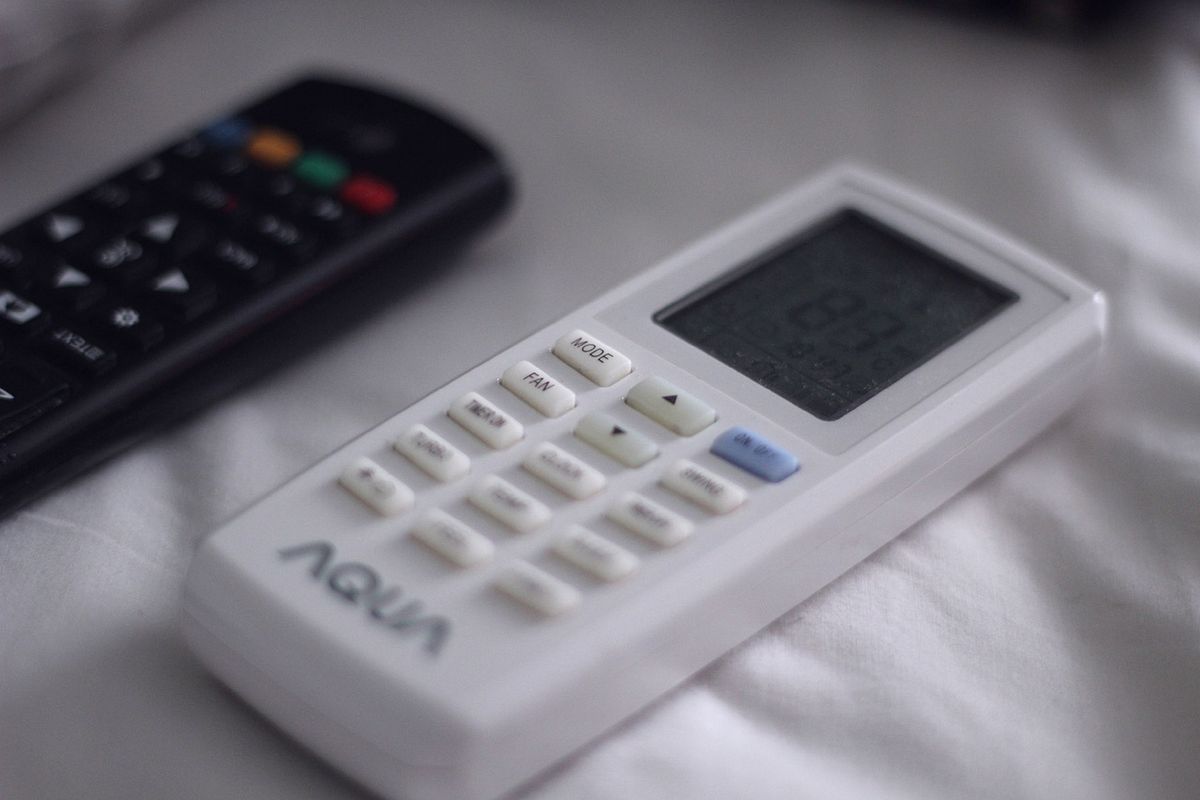
Every remote-controlled AC or mini split works the same way. The remote sends a burst of infrared light encoding a command: fan speed, mode, target temperature. The AC receives it and acts on it. It does not send anything back. There is no confirmation, no status report, no acknowledgment that the command landed.
Engineers call this open-loop control, and it is the honest explanation for most of the complaints you will find about Sensibo and every other IR-based controller like it. The app has to guess the AC’s current state, not read it, because the hardware gives it nothing to read.
Three consequences follow directly from that:
The physical remote breaks the sync. If someone in the house grabs the actual remote and changes the temperature, Sensibo’s app has no way of knowing. It still thinks the AC is at the last setting it sent. Sensibo’s own support documentation confirms this and recommends manually resyncing after using the physical remote, which is a workaround for a structural limitation, not a bug fix.
Temperature gets measured in the wrong place. Sensibo’s sensor sits wherever you put the box, not inside the AC unit and not necessarily near the return air. A unit mounted across the room from a sunny window will read differently than one near a doorway. Every IR controller inherits this problem, since none of them can see what the indoor unit itself is sensing.
Inverter mini splits do not love being cycled. Modern inverter systems modulate compressor speed to hold a set temperature smoothly, without the hard on/off cycling of older units. An app firing on/off commands based on a room sensor across the house can fight that modulation, turning a gradual system into a start-stop one. This does not make the energy-saving marketing false. It makes the honest version more complicated than a marketing bar chart implies.
There is also a plain physical limit worth knowing before you mount one. Infrared needs a clear line of sight. A unit tucked behind a curtain, a room divider, or a shelf that blocks the path to the AC will miss commands no matter how good the app is. It is worth test-firing a few commands from the exact spot you plan to mount it, before committing to double-sided tape.
None of this makes Sensibo a bad product. It makes it a remote replacement with a phone screen and a schedule, not a system that reads your AC’s mind. Anyone shopping for one should walk in with that expectation set correctly.
Sky vs Air vs Air Pro: what actually changes
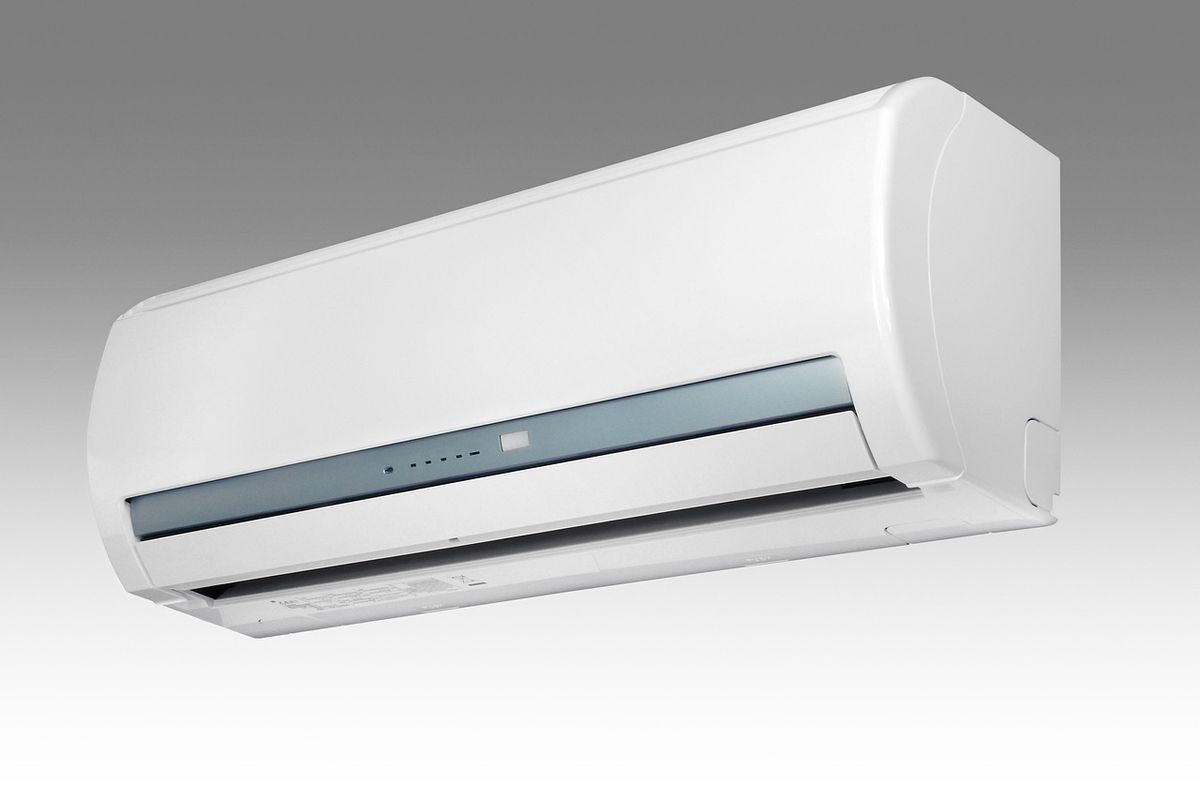
Sensibo currently sells three controllers. They share the same core job (temperature and humidity sensing, IR control, scheduling) and differ mainly in sensors and one specific smart home integration.
| Feature | Sensibo Sky | Sensibo Air | Sensibo Air Pro |
|---|---|---|---|
| Temperature and humidity sensor | Yes | Yes | Yes |
| Air quality sensing (TVOC, CO2-equivalent, ethanol) | No | No | Yes |
| Apple HomeKit | No | Yes | Yes |
| Alexa, Google Assistant, Siri Shortcuts, SmartThings, IFTTT | Yes | Yes | Yes |
| Geofencing | Yes | Yes | Yes |
| 7-day scheduling | Yes | Yes | Yes |
| Climate React | Yes | Yes | Yes |
The gap between Sky and Air is not just cosmetic. HomeKit support is the real line: the Sky does not have it, and the Air and Air Pro both do. If you live in an Apple household and want the AC to show up in the Home app next to everything else, the Sky is off the table regardless of price. Independent reviews of the current lineup back this up, and it is worth checking since Sensibo has redesigned this hardware more than once over the years.
Air Pro adds the air quality package on top of what Air already does: TVOC, CO2-equivalent (derived from TVOC, not a direct CO2 sensor), and ethanol sensing, feeding into the app’s air quality score. If you only care about controlling the AC, that is a nice-to-have, not a reason to spend more on its own. If you are also thinking about indoor air quality generally (wildfire smoke season, a household member with respiratory issues, a kitchen that overproduces cooking smell), Air Pro is the one that actually does something about it.
Sensibo Air Pro is the pick if you want the full feature set and do not mind paying for it. Sensibo Air is the value option: same HomeKit support, same automation, no air quality sensors. Sensibo Sky is the floor: it still does the core job of turning a dumb AC into a scheduled, app-controlled one, but skip it if HomeKit matters to you.
The subscription question
Sensibo sells an optional Energy Saver Plan on top of the hardware. Core control works without it: turning the AC on and off, changing modes and temperature, geofencing, and basic scheduling all function on the free tier.
What sits behind the subscription is the analytical layer: Optimus (anomaly detection that flags things like an open window left on with the AC running), detailed energy statistics, an AI assistant, PureBoost coordination with Sensibo’s air quality products, anti-mold protection, and AC health checks (diagnostic feedback on how the unit itself is performing). Some scheduling variants, including Auto-Off failsafe timers, are also gated behind the plan.
The most common complaint on Sensibo’s own Trustpilot page is not that the subscription exists. It is that features people assumed were included with the hardware turned out to require it, sometimes after the fact. One reviewer put it bluntly: there is nothing smart about the device unless you pay monthly on top of what you already paid for the box. Whether that is a fair characterization depends on which features you actually want. But it is one of the most repeated grievances in the reviews, and worth knowing before checkout, not after.
Owner discussion threads describe the same pattern from a different angle: an app update ships, and a feature that used to work for free now sits behind the plan. Sensibo’s version of that story is a new feature launching at a paid tier. The owner’s version is the goalposts moving after the sale. Both descriptions fit the same change, which is exactly why the sentiment keeps showing up on public review pages years after the plan launched.
The 1.8-star problem
Type “Sensibo review” into Google and Sensibo’s own Trustpilot page ranks. It currently sits at 1.8 out of 5 stars across 46 reviews. That is a genuinely bad number for a company selling directly to consumers, and it is worth addressing directly.
The complaints cluster around a small number of repeated themes. Reliability is the biggest one: multiple reviewers describe commands failing to reach the AC, or the app reporting a command succeeded when the unit did nothing. One review put basic on/off control failing three times out of four. That tracks with the open-loop IR limitation: the app can’t see what the AC is actually doing. But a 75% failure rate is well beyond what infrared alone explains and points to specific unit compatibility problems, not the technology in general.
Customer support comes up almost as often, with reviewers describing slow, scripted responses and warranty claims that stalled out. The subscription paywall shows up again here too, as does the complaint that Sensibo is “just a remote” for people who expected more automation out of the box.
None of that means the hardware is unusable. Plenty of owners run one for years without incident, and the volume of reviews on a public complaint platform skews toward people who had a bad experience and went looking for somewhere to say so. That skew is structural to review sites in general, not specific to Sensibo, and it is a reason to read the 1.8 in context, not as gospel.
Still, 1.8 stars on the exact query someone types before buying is not noise, and it rarely gets mentioned in Sensibo reviews. It should factor into the decision, not get buried under the marketing copy. Checking Sensibo’s published compatibility list for your specific AC model before ordering is the single best hedge against landing in the reliability complaints yourself.
HomeKit, Alexa and the rest
Sensibo Air and Air Pro are natively HomeKit-capable. That means direct pairing through the Home app using the QR code on the device, no bridge or third-party hub required. Once paired, the AC shows up alongside your other HomeKit accessories and responds to Siri and to HomeKit automations. There are limits: HomeKit does not expose fan speed or swing settings, so you get temperature and mode control but not the full feature set you would find in Sensibo’s own app.
This is a real point of difference against Cielo Breez, one of the more common alternatives for mini split control. Cielo supports Siri Shortcuts, which lets you trigger AC commands through Siri phrases, but it does not offer native HomeKit pairing. For an Apple household that wants the AC to behave like a first-class HomeKit accessory, not a voice command bolted on afterward, that is the deciding factor over Cielo.
Alexa, Google Assistant, SmartThings, and IFTTT are all supported across the current Sensibo lineup, Sky included. If your smart home already runs on one of those and you have no interest in HomeKit specifically, any of the three models will slot in the same way. For a deeper explanation of what a HomeKit bridge actually does and when you need one, see What Is A HomeKit Bridge? For the lighting side of the same Apple Home setup, our best smart bulbs guide covers HomeKit-compatible picks.

Who should buy it, and who should buy something else
Sensibo makes the most sense for renters and anyone who cannot alter the building’s wiring. It mounts with the included tape or screws, needs nothing more than power and Wi-Fi, and comes down when you move without touching the building’s wiring. Mini split owners get real value too, since ductless systems rarely ship with any remote control beyond the handheld unit that lives on top of the fridge until someone loses it. Tropical and hot-climate homes running AC most of the year benefit from geofencing and scheduling in a way that a temperate climate running AC six weeks a year will not notice as much. And anyone with a single window unit in one room, not a whole-house system, is squarely in Sensibo’s target customer.
A vacation rental or second home with a mini split sitting idle most of the year is another good fit: geofencing and remote control mean the place can be pre-cooled before you arrive instead of running the AC continuously while nobody is there. A household with several mini splits across different rooms can run one Sensibo per unit under the same app, which is a cheaper way to get whole-home coverage than replacing the AC systems themselves.
It is worth naming where it is not the right answer. Mysa also makes a mini split controller worth comparing directly – it uses the same infrared approach as Sensibo and covers window units too, so the real differences come down to app design and scheduling, not a fundamentally different way of talking to the AC. Flair’s Puck plays a similar role as a companion to Flair’s smart vents, useful if you are already inside that ecosystem, less useful as a standalone AC controller. Cielo Breez covers the same mini split and window AC ground as Sensibo without the subscription tier, at the cost of native HomeKit. SwitchBot’s Hub 2 is the budget option: a universal IR blaster that also handles your TV, at the cost of the AC-specific automation and heat pump logic Sensibo builds in.
Two more Sensibo products are worth flagging so you do not order the wrong box. Sensibo Pure is an air purifier, and Sensibo Elements is a standalone air quality monitor. Neither one controls an AC unit. If the goal is turning a mini split or window AC into something you can schedule and control remotely, the Sky, Air, and Air Pro are the only three that do that job.